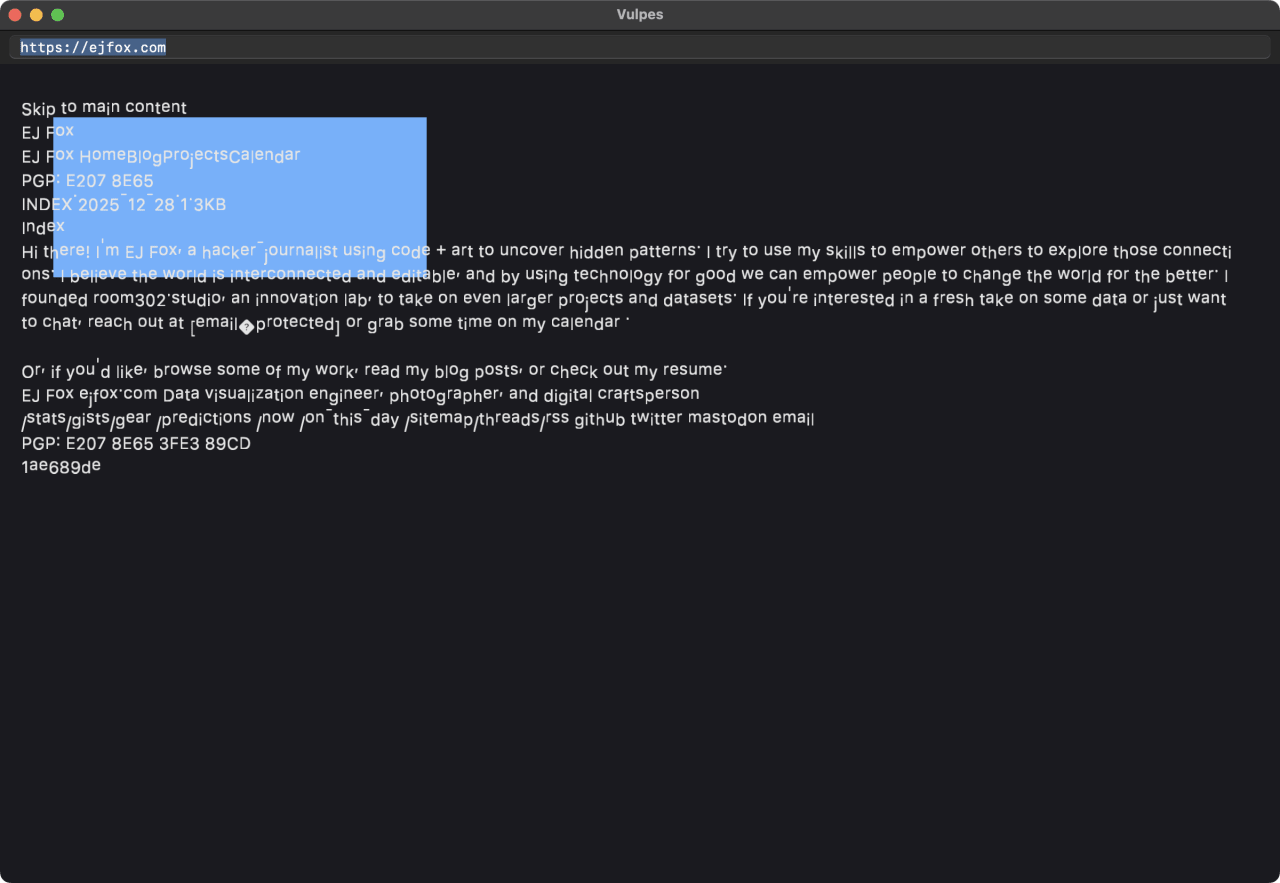
Vulpes
I believe that if I spend so much time looking at and thinking about my computer, I want to have full control over the fonts and colors I look at — to make it cinematic, aesthetic, "me," and different. And it's so dope that when I go to coffee shops (true story), people stop me and say "that setup looks sick, can I give you my card in case I need a dev?"
Vulpes is what that belief turns into when you follow it all the way down. One palette — #e60067 magenta, #6eedf7 teal, near-black — and one fox glyph, pushed through every surface I touch: the editor, the terminal, the browser, the screensaver, and the little screens on the hardware in my bag. Each piece is a working tool. Together they're one look.
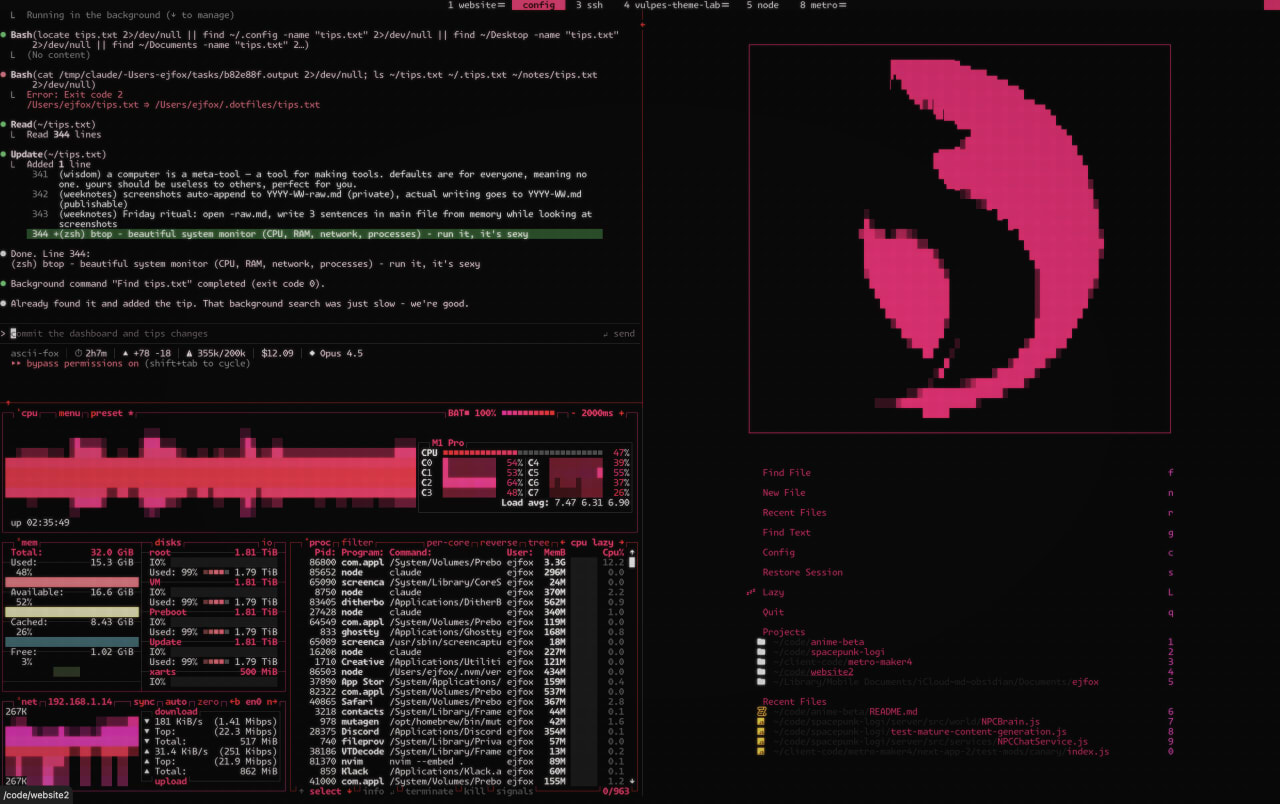
The editor
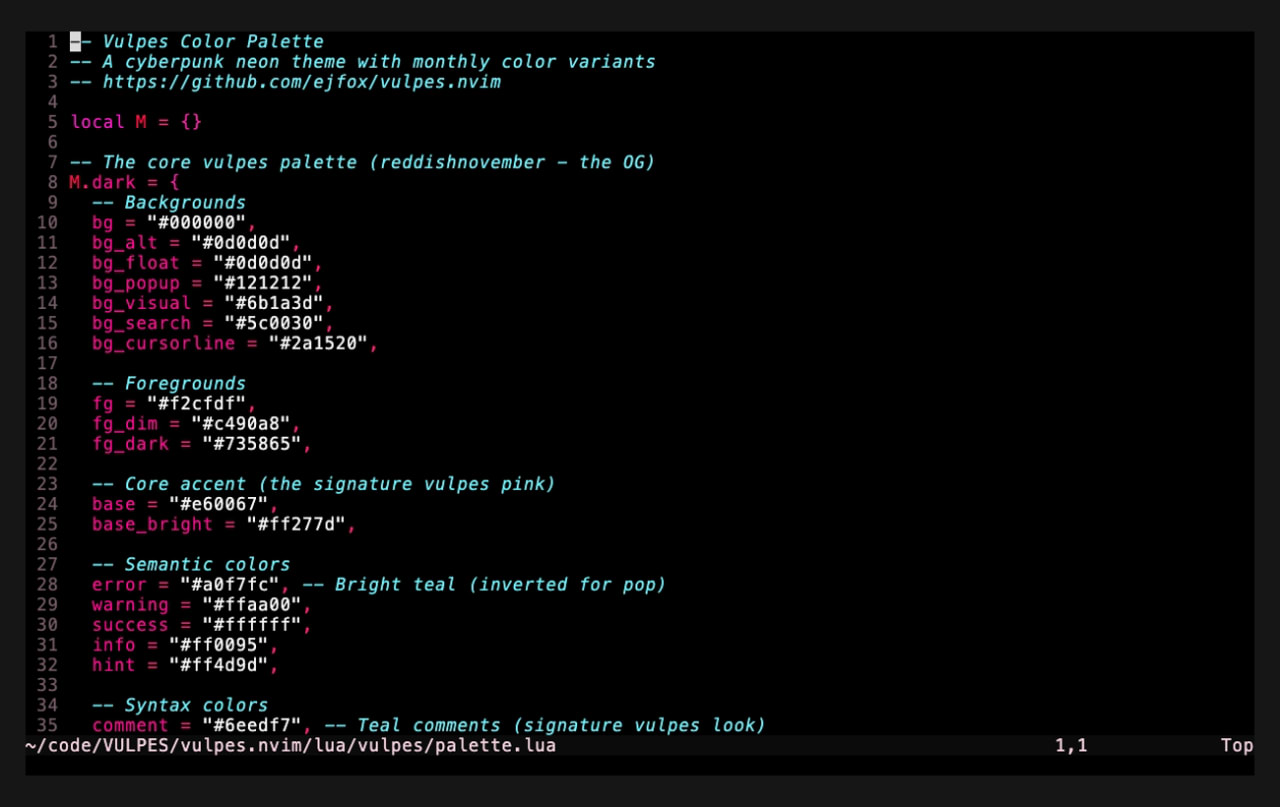
It started with vulpes.nvim: a cyberpunk neon colorscheme for Neovim — signature vulpes pink, teal comments, dark and light variants, and monthly color rotations. It ships matching themes for the rest of the terminal: wezterm, kitty, ghostty, alacritty, tmux, lazygit, bat, and fzf.
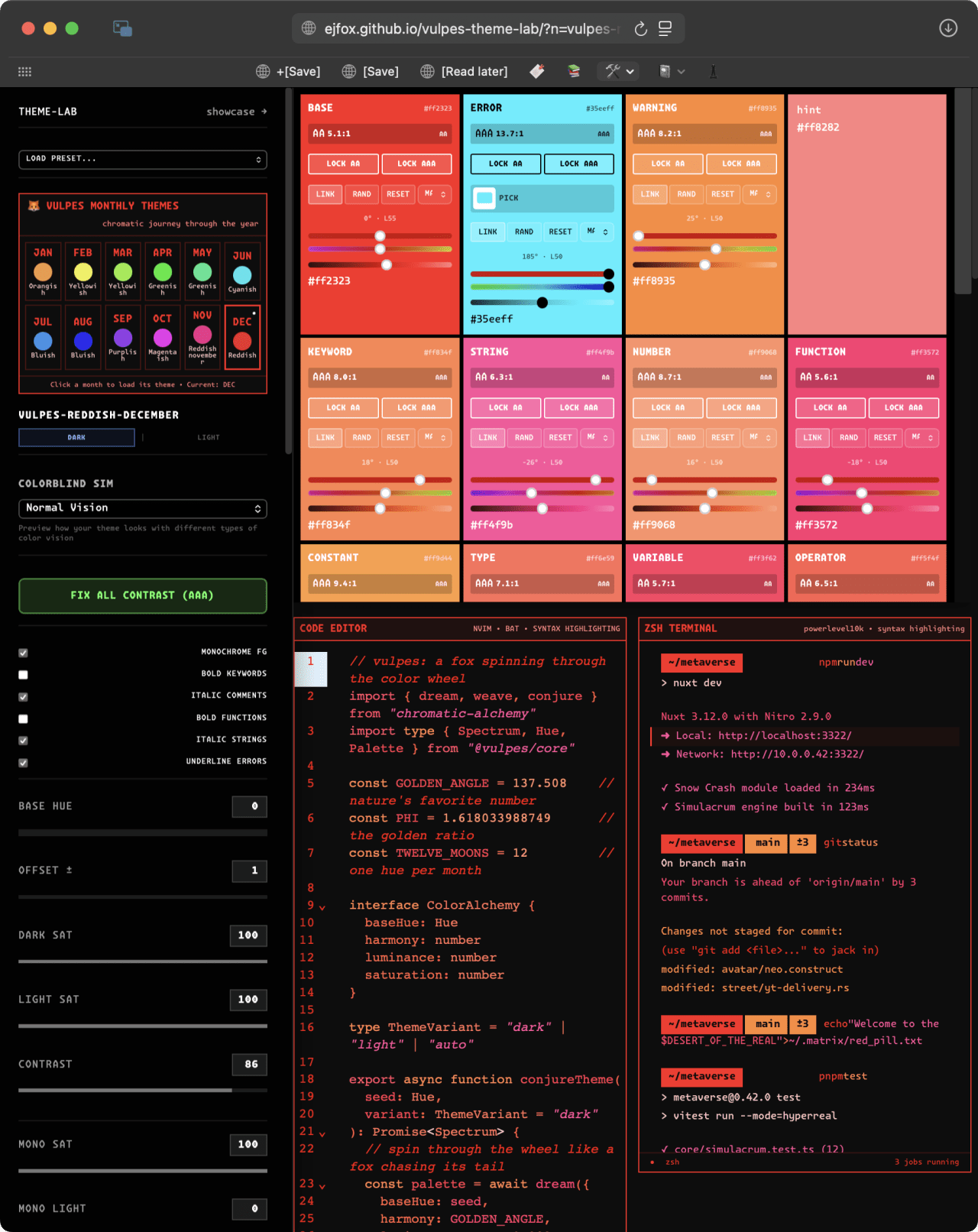
Vulpes Theme Lab is the live builder for it: tweak a base hue and a ±7° offset and watch nvim, lazygit, htop, and tmux recolor in real time.
The devices
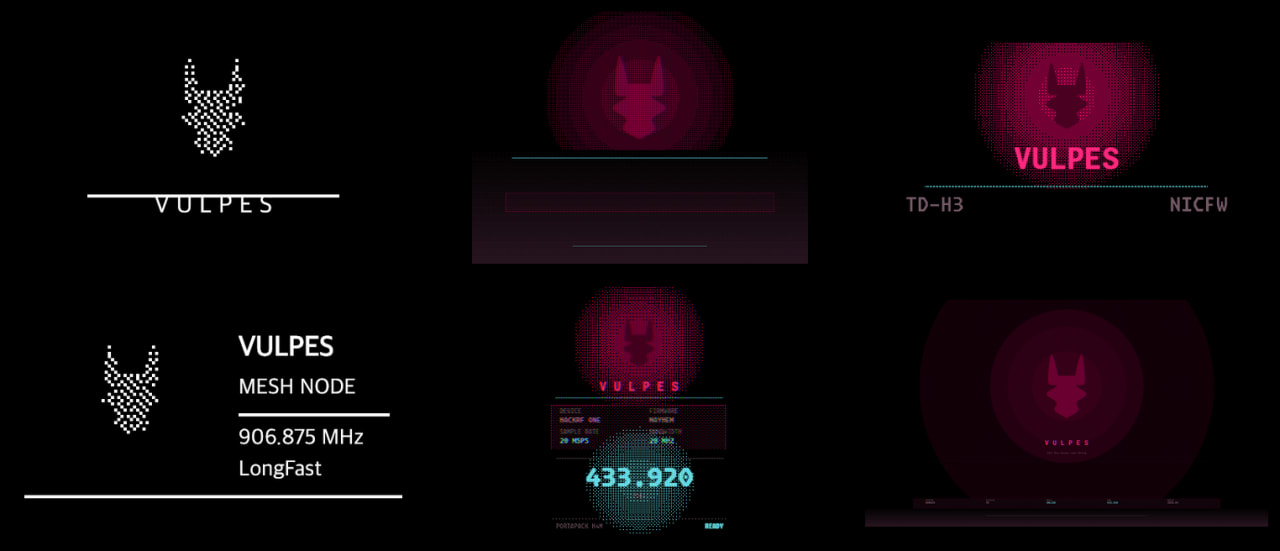
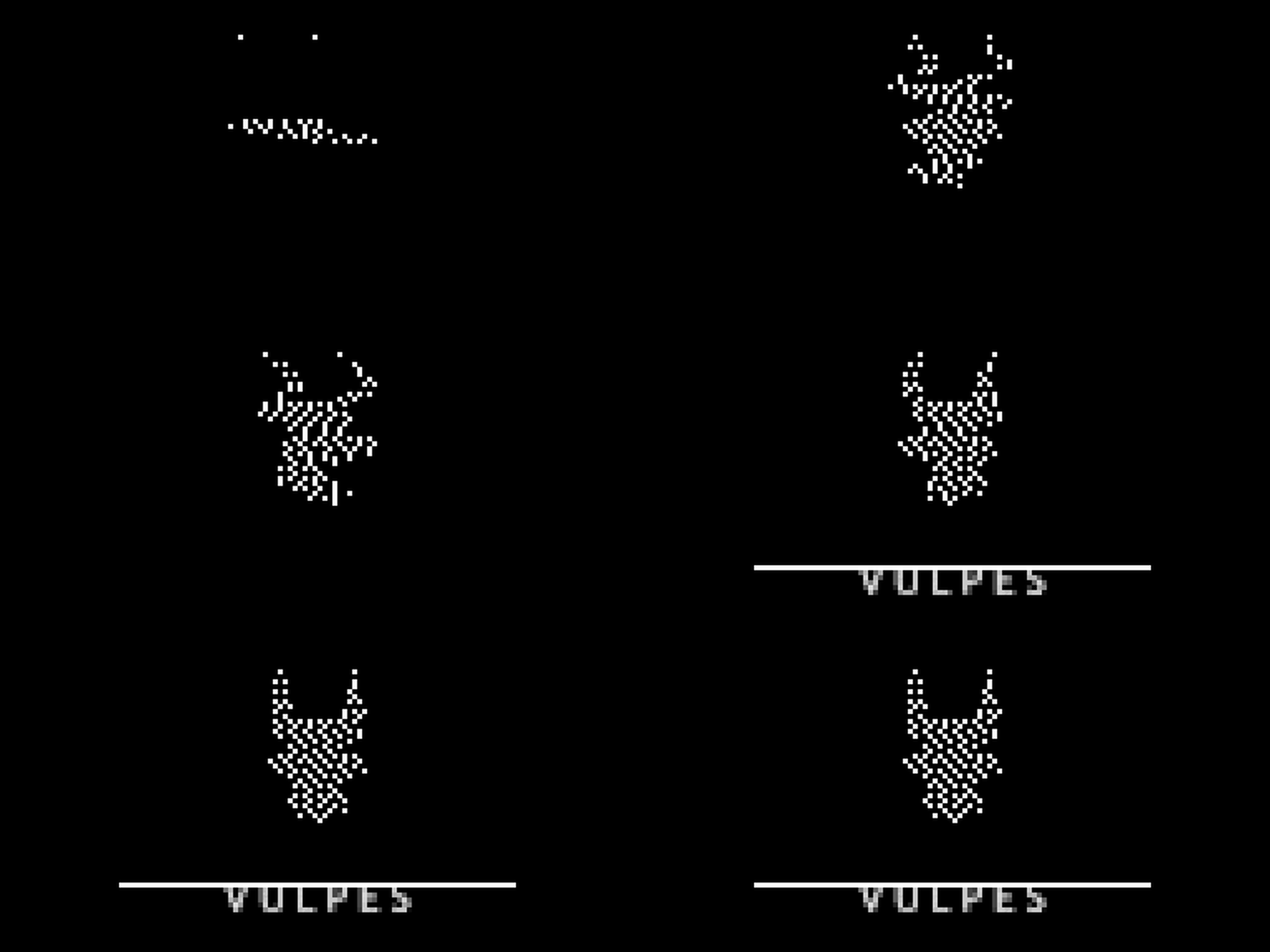
Vulpes Devices carries the same palette file out to seven hardware targets — Flipper Zero, OnionOS handhelds, the TD-H3 radio, Meshtastic nodes, a PortaPack, plus iPhone and iMac wallpapers — so everything boots in the same visual language.
The screen when I walk away
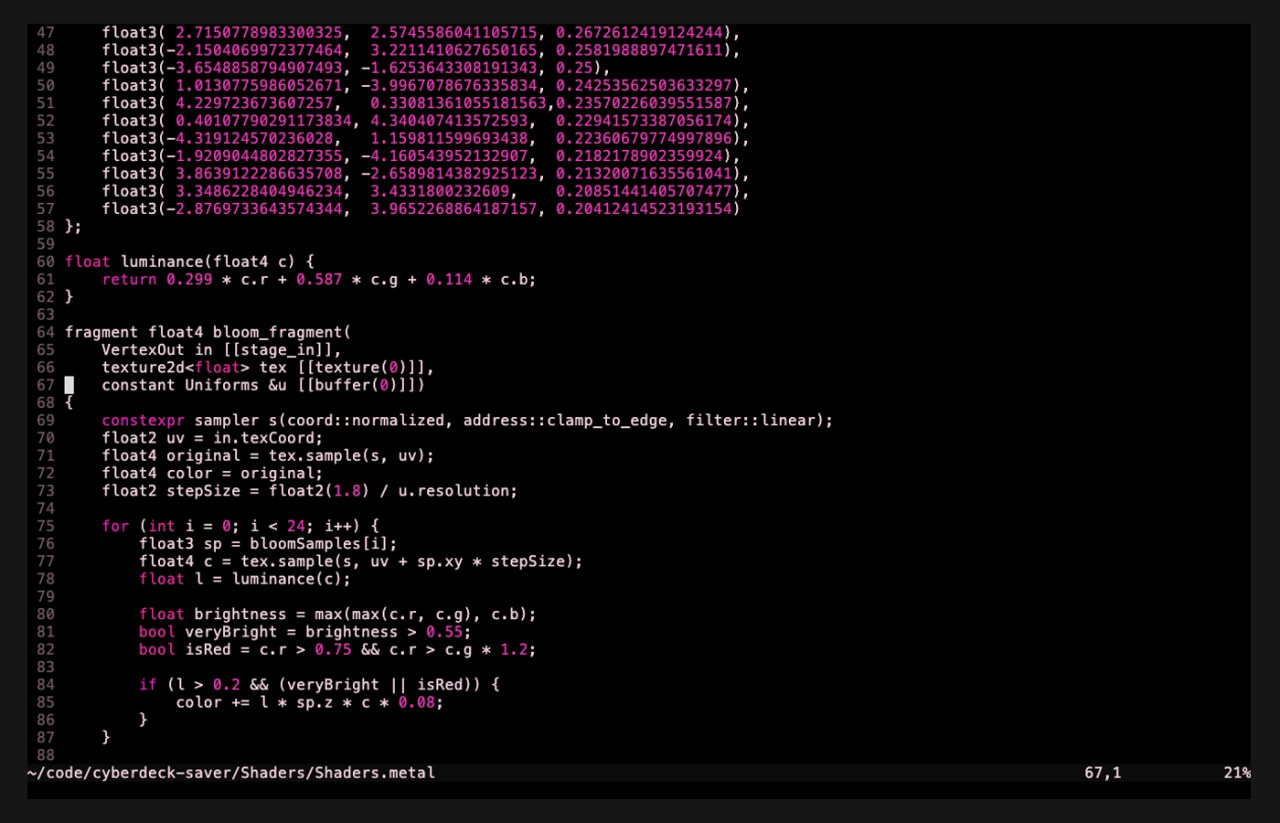
cyberdeck-saver is a native macOS screensaver in Swift and Metal: a 5×5 grid of terminal panels typing out live data — ADS-B aircraft over the Hudson Valley, earthquakes, space weather, my own telemetry — through a CRT shader chain in the vulpes palette. No fake data; every byte comes from a real API or a system call.
The rest of the kit
- Vulpes Browser — a minimalist web browser in Zig, Swift, and Metal, rendered entirely on the GPU, with particle effects, link glow, and a two-pass bloom.
- Vulpes RSS — a TUI feed reader that renders images inline in the terminal by implementing the Kitty Graphics Protocol in pure Rust.
- VulpeSVG — a native visual SVG editor in Tauri and Vue, with a properties inspector for every element's geometry.