NOAA Satellite CLI
The whole planet, from a satellite, on your hard drive, in one command
I wanted the freshest picture of Earth without opening a browser, so I built a CLI that pulls straight from NOAA's GOES-18 and GOES-19 geostationary satellites — the two live birds parked over the Pacific and the Atlantic — and drops the image into a local archive. You can grab the latest GEOCOLOR frame, or reach for the max: a full disk of Earth at 21696x21696, 470 megapixels. It handles GOES' Julian-day timestamps (that YYYYJJJHHMM format that isn't a normal date), MD5-hashes every capture so it never stores the same frame twice, and keeps a little JSON database tracking what it's pulled and when. Point cron at it and you've got an hourly archive of the sky building itself.
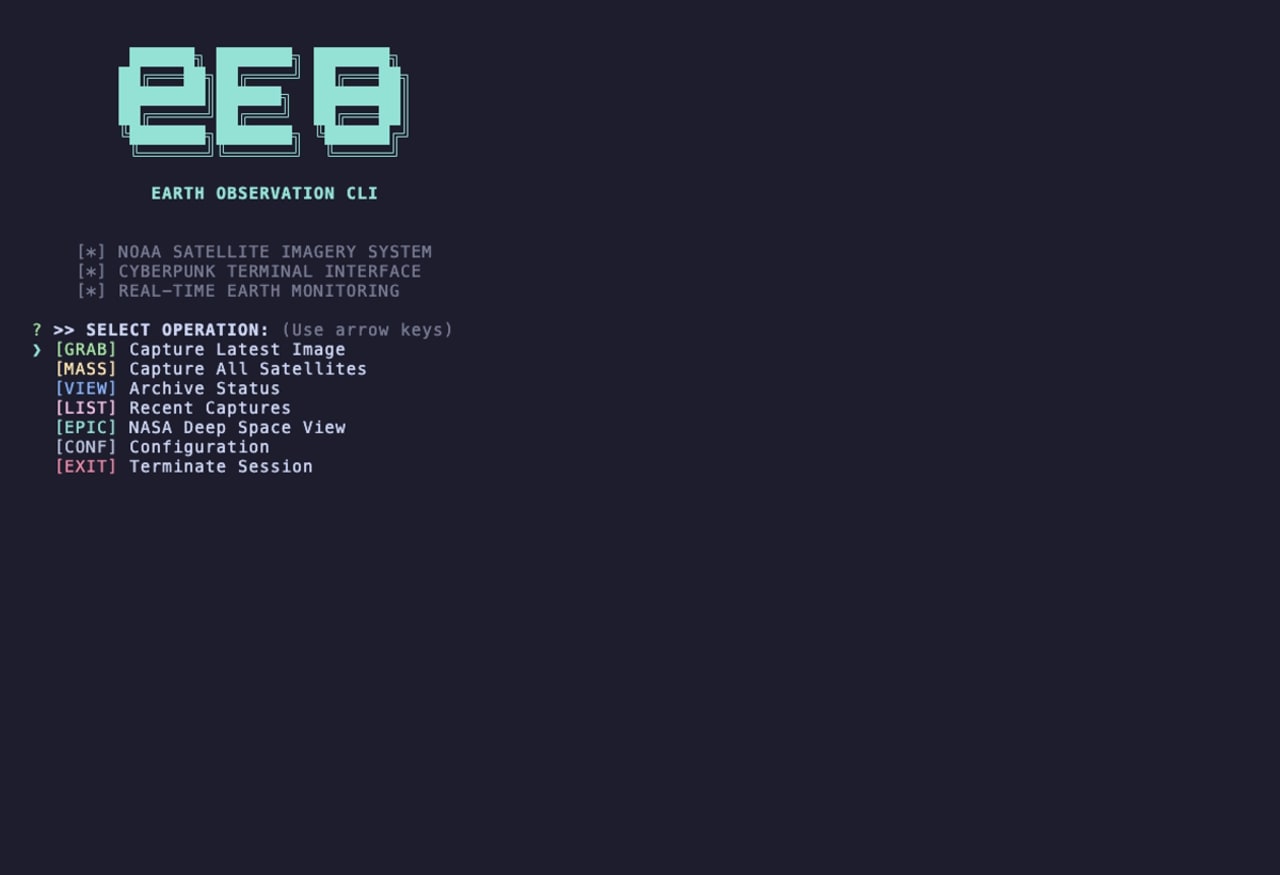
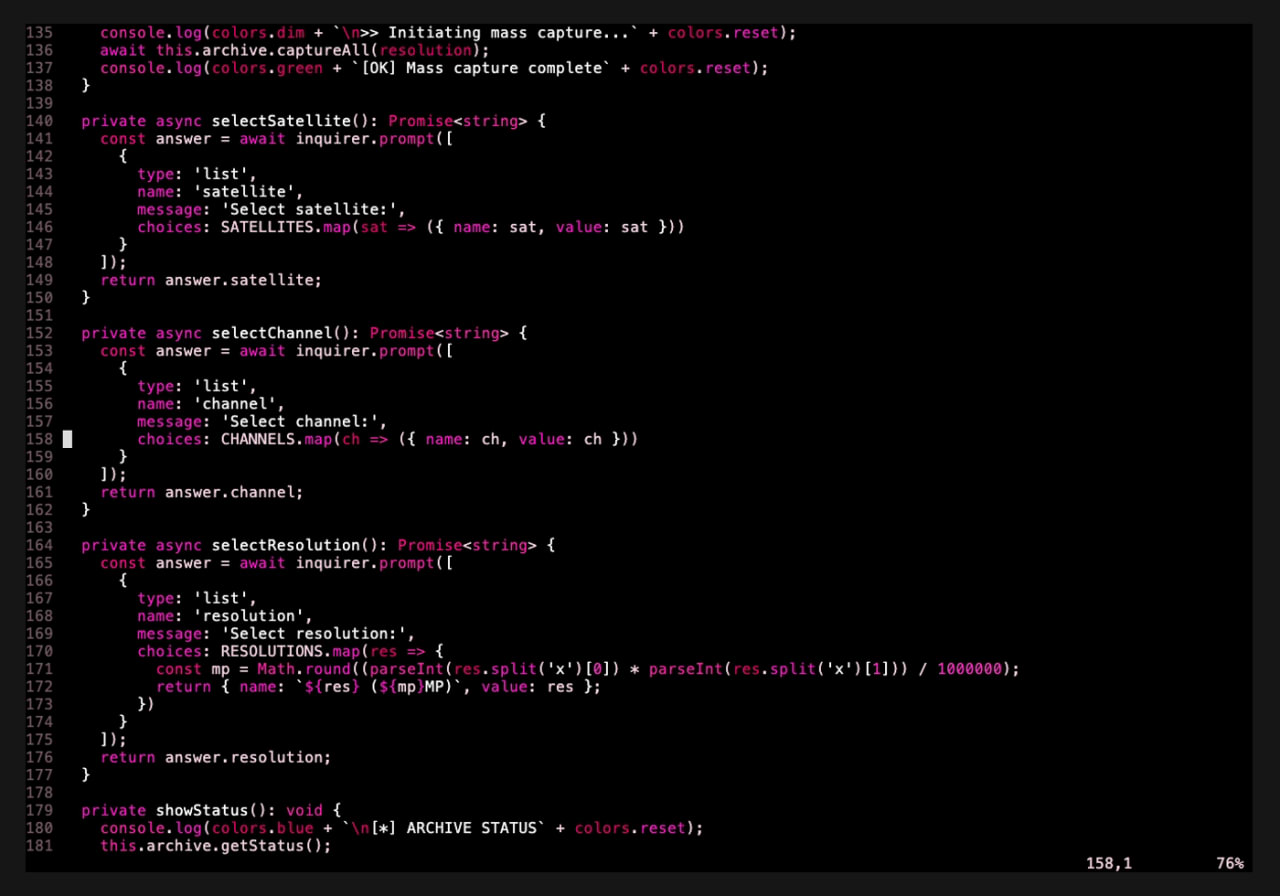
It's not just NOAA either. It'll pull NASA's EPIC camera — the one on DSCOVR, sitting a million and a half kilometers out at the L1 Lagrange point looking back at the whole sunlit face of Earth — plus MODIS and VIIRS regional imagery for the US, Europe, Asia, Africa, Australia. There's a quick grab one-liner for when you just want the shot, and a full ASCII terminal menu when you want to pick the satellite, channel, and resolution yourself. No emoji, all cyan-and-magenta status lines, the whole 90s-terminal thing on purpose.